How to Create a Crypto Wallet: A Step-By-Step Guide for Beginners
To create a crypto wallet, choose a wallet type (custodial, software or hardware), install the official app or set up the device, write the seed phrase on paper, test the backup, then send a small test transaction before moving larger amounts. This guide explains how to create a crypto wallet safely in the USA. Each section stands alone.
Key Takeaways
A safe crypto wallet setup depends on three things: picking the right wallet type for the amount you hold, protecting the seed phrase offline, and proving the backup works with a test recovery before any real money goes into the wallet. Each point below summarizes one part of the setup. Skim them first. Our hot wallet vs cold wallet guide shows which type fits which amount.
- A crypto wallet stores private keys, not coins. The coins stay recorded on the blockchain.
- Custodial wallets on US exchanges such as Coinbase hold the private keys for the customer. Non-custodial wallets give the owner full control of the keys.
- A hardware wallet from Ledger or Trezor is the safest home for long-term crypto because its private keys never touch the internet.
- A seed phrase is the only backup of a non-custodial wallet. Losing both the seed phrase and the device means losing the crypto permanently.
- The Internal Revenue Service (IRS) doesn’t tax moves between your own wallets. Selling or swapping crypto is taxable, and so is spending it.
What Is a Crypto Wallet?
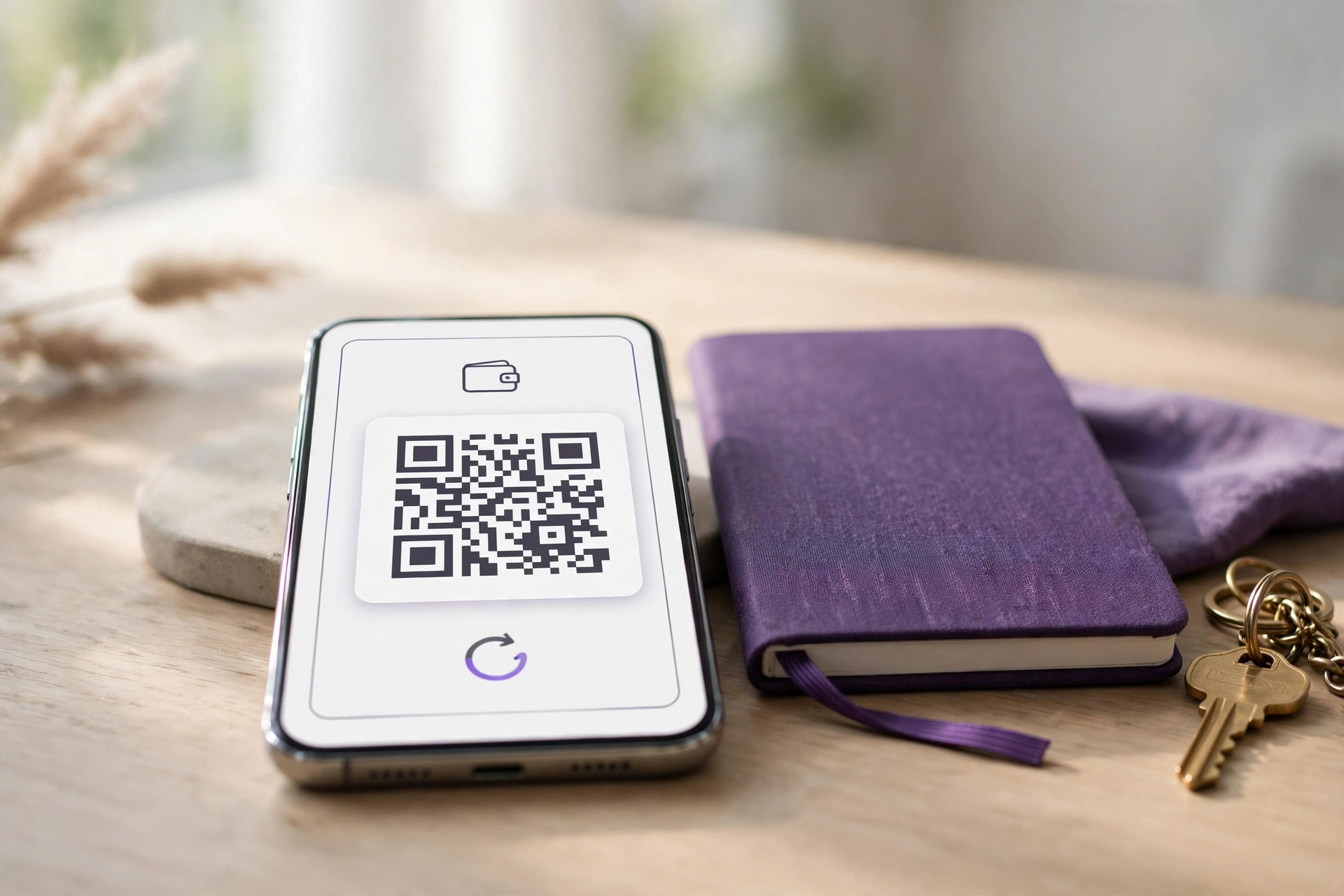
A crypto wallet is a software app or hardware device that stores the private keys used to send, receive and prove ownership of cryptocurrency, while the coins themselves stay recorded on a public blockchain. Whoever holds the keys owns the crypto.
A custodial wallet is one where a company, usually an exchange, keeps the private keys on behalf of the customer who owns the account. Coinbase accounts work this way. So do Kraken and Gemini.
A non-custodial crypto wallet, also called a self-custody wallet, is a wallet where only the owner ever holds the private keys. MetaMask, Exodus, Ledger and Trezor are non-custodial.
Wallets also differ by connection. A hot wallet stays connected to the internet, while a cold wallet keeps its private keys offline and away from any network connection.
Private Key, Public Address and Seed Phrase
This table compares the three core wallet terms, what each does and whether each is safe to share.
| Term | What It Does | Safe to Share |
|---|---|---|
| Private key | Signs transactions and proves ownership | No, never |
| Public address | Receives crypto, like a bank account number | Yes |
| Seed phrase | Backs up and restores every key in the wallet | No, never |
Seed phrases follow the Bitcoin Improvement Proposal 39 (BIP39) standard, which turns a random number into 12 or 24 words drawn from a fixed list of 2,048 words. Order matters. Any BIP39-compatible wallet can restore the same keys from the same words in the same order.
Which Type of Crypto Wallet Should You Choose?
Most US beginners should buy crypto through a custodial exchange account, move long-term holdings to a non-custodial hardware wallet, and keep a software wallet only for small, frequent transactions such as payments or decentralized apps. Two questions settle it. The right choice depends on who should hold the private keys and how often the crypto moves. Our pick for the best cold wallet for crypto compares the leading devices.
The table below sets the three wallet types side by side on key control, connection, best use and cost.
| Wallet Type | Who Holds Keys | Internet Connection | Best For | Cost (USD) |
|---|---|---|---|---|
| Custodial (exchange) | The exchange | Always online | Buying and selling | Free account |
| Hot (software) | You | Online when in use | Small, frequent payments | Free app |
| Cold (hardware) | You | Offline, signs on device | Long-term savings | Device purchase required |
A custodial account is the easiest starting point, since password resets and customer support both exist. There’s a catch, though. Counterparty risk means that if an exchange fails or freezes withdrawals, customers wait on the company to release their funds.
Hot wallets suit amounts small enough to lose without hardship. They’re a frequent target. Malware and phishing sites target software wallets, and so do fake browser extensions built to look like the real thing.
Cold wallets suit savings. Because a hardware wallet signs each transaction inside the device itself, even a hacked computer can’t read its private keys.
How to Create a Crypto Wallet in 7 Steps
Creating a non-custodial crypto wallet follows the same seven steps for nearly every app or device: choose a type, get the official software or hardware, create a new wallet, record the seed phrase, confirm it, test the recovery and send a small test transaction. These steps apply to hot and cold wallets alike. Skip none of them.
- Choose a hot wallet for small, frequent amounts or a cold wallet for long-term savings.
- Download the app from the developer’s official website, the Apple App Store or Google Play, or buy a hardware wallet directly from the manufacturer or an authorized retailer.
- Select “Create a new wallet” and set a strong password or PIN code.
- Write down the seed phrase on paper, in order, with each word numbered.
- Confirm the seed phrase when the app or device asks for selected words.
- Test the recovery and check that the same receiving address appears.
- Send a small test transaction, confirm it arrives, then move the rest of the crypto.
Never accept a seed phrase that comes pre-printed in the box, and treat one that arrives by email or text message as a scam. Real wallets don’t work that way. A legitimate wallet always generates a new phrase on the owner’s own device.

How to Create a Hot Wallet for Crypto
To create a hot wallet, install a non-custodial software wallet such as MetaMask or Exodus from the official source, generate a new wallet, write the seed phrase on paper and protect the app with a strong password, PIN or biometric lock. Speed is the appeal. A hot wallet is an online crypto wallet because it runs on an internet-connected phone or computer.
Choose the app by blockchain. MetaMask focuses on Ethereum and compatible networks, while BlueWallet sticks to Bitcoin. Exodus, by contrast, supports many coins and runs on both desktop and mobile devices for people who hold a mixed portfolio.
Set up MetaMask as a Browser Extension
MetaMask runs as a browser extension for Chrome, Firefox, Brave and Edge, and it also ships as a mobile app for both iOS and Android phones. The desktop steps follow.
- Open metamask.io and follow its official link to your browser’s extension store.
- Click “Create a new wallet” and set a password of at least 8 characters.
- Reveal the Secret Recovery Phrase and write all 12 words on paper.
- Enter the missing words MetaMask requests to confirm the backup.
- Pin the extension to the browser toolbar so a fake lookalike extension is easier to spot.
Set up Exodus or Another Mobile Wallet
Learning how to create a wallet for crypto on a phone follows the same pattern whether you carry an iPhone or an Android device. The platform barely matters.
- Search the App Store or Google Play for the wallet name and check that the publisher matches the official developer.
- Install the app and choose to create a new wallet.
- Turn on Face ID, Touch ID or a passcode inside the app.
- Open the backup menu and write the recovery phrase on paper.
- Complete the phrase quiz the app presents.
Some wallet apps let users skip the backup screen. Don’t. Finish step 4 before receiving any crypto, because an app that’s never been backed up can’t be restored if the phone breaks.
How to Create a Cold Wallet for Crypto
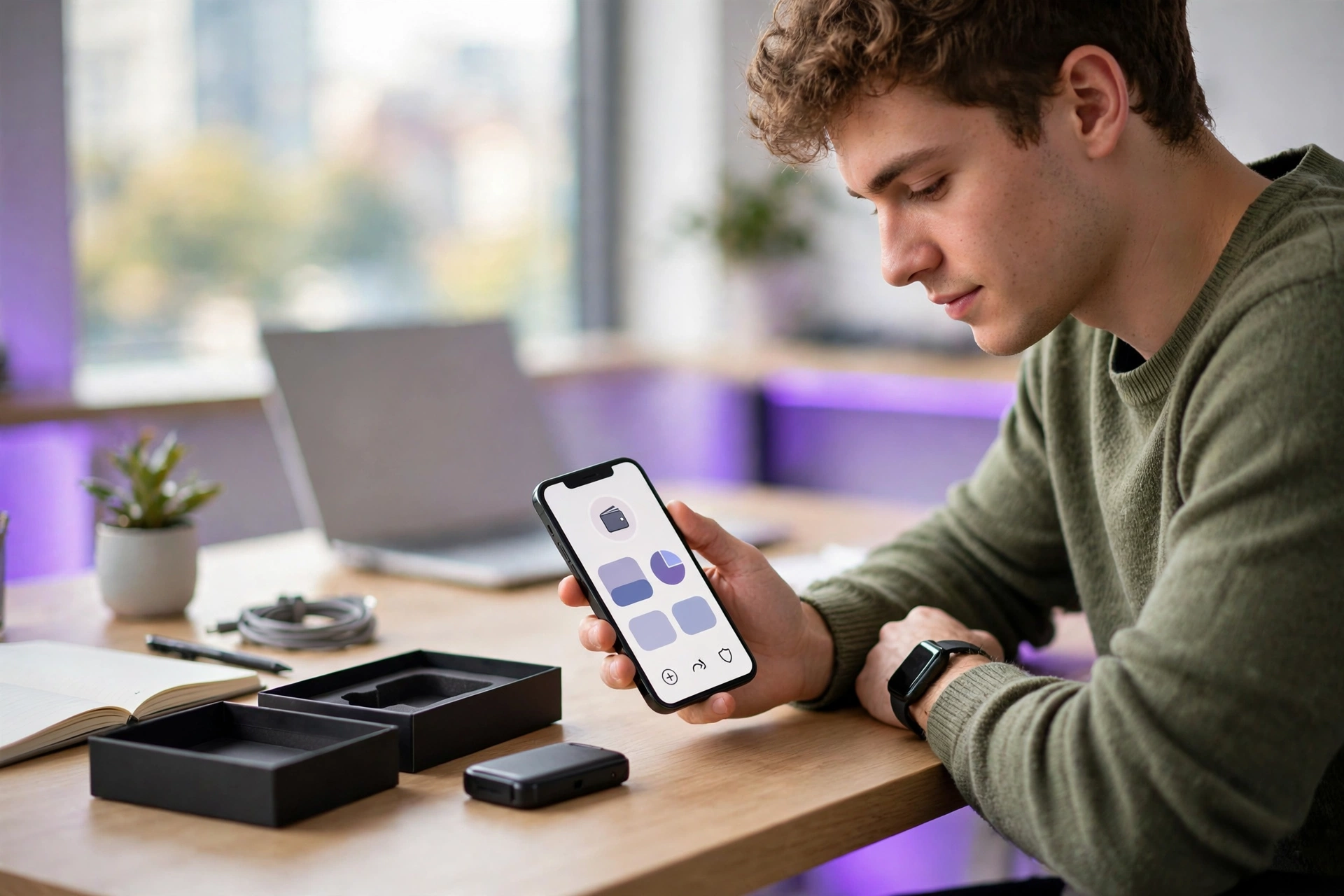
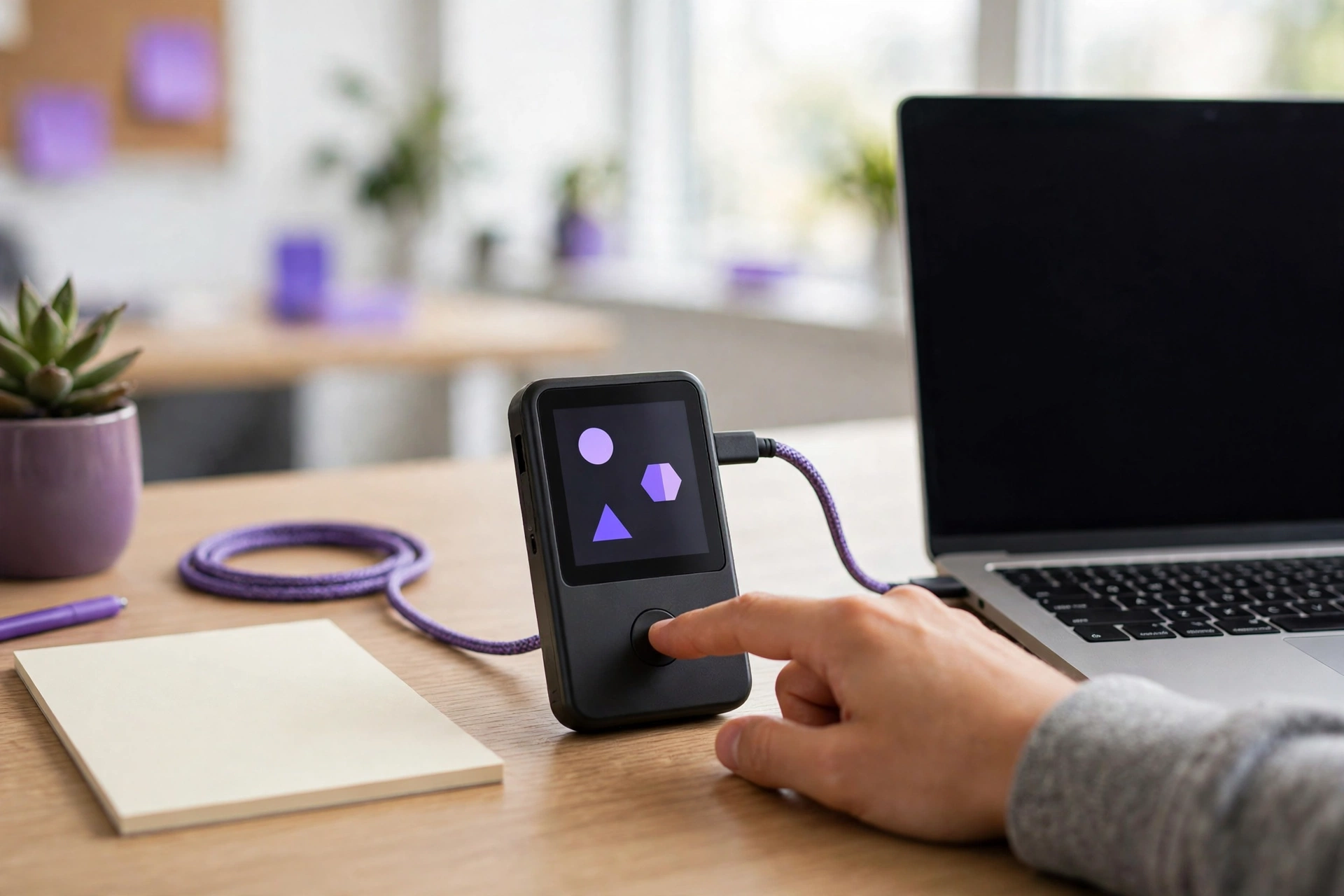
To create a cold wallet for crypto, buy a hardware wallet such as a Ledger or Trezor directly from the manufacturer, set it up as a new device, write down the seed phrase shown on its screen and verify the backup before depositing funds. A cold wallet keeps private keys offline, out of reach of online attackers. That’s the whole point.
Anyone researching how to create a cold wallet for crypto has two paths. Both work. A hardware wallet costs money but takes minutes to set up, while a free air-gapped setup takes more technical skill.
Set up a Hardware Wallet
These steps follow the official setup flow for Ledger devices running through Ledger Live and for Trezor devices running through Trezor Suite. The two flows match closely.
- Inspect the packaging for tampering and reject any device that arrives with a seed phrase already filled in.
- Download Ledger Live from ledger.com or Trezor Suite from trezor.io.
- Connect the device and install the latest firmware update.
- Choose a PIN code on the device itself.
- Write down the recovery words the device displays, usually 12 to 24 words.
- Confirm the words on the device screen.
- Add the coin accounts you need, such as Bitcoin or Ethereum.
Always verify a receiving address on the hardware wallet’s screen before sharing it. Here’s why. Malware on a computer can swap the address displayed on the monitor, but it can’t change what the device’s own screen shows.
Can You Make a Cold Wallet for Free?
Yes. A free cold wallet starts with an old phone or computer that’s wiped and loaded with wallet software, then kept permanently offline. Electrum and Sparrow Wallet support this method for Bitcoin by pairing an offline signing device with a watch-only wallet on an online computer.
Paper wallets, where a private key is printed on paper, are a free but outdated option. The flaw appears at spending time. Moving funds out requires importing the private key into online software, which exposes it, so a hardware wallet remains the safer choice.
How to Open a Custodial Wallet on a US Exchange
To open a custodial wallet, sign up with a US-registered exchange such as Coinbase, Kraken or Gemini, verify your identity with a government-issued ID and Social Security number, turn on two-factor authentication (2FA) and link a bank account to fund it in US dollars. Expect it at sign-up. Federal anti-money-laundering rules require this identity check, called know your customer (KYC). Our top 10 crypto exchanges list compares fees and state access.
- Open the exchange’s official app or type its website address directly, never through an ad or email link.
- Enter your email, phone number and legal name.
- Upload a photo of a driver’s license or passport.
- Set up 2FA with an authenticator app or a hardware security key instead of SMS text codes.
- Link a bank account by ACH transfer or add a debit card, then buy crypto.
Skip SMS if you can. Text codes are weaker because criminals can hijack phone numbers through SIM-swap fraud and then receive every code meant for the account owner.
Is Coinbase a Crypto Wallet?
Yes. A Coinbase account is a custodial crypto wallet, meaning Coinbase holds the private keys and customers log in with a password and 2FA. Separately, the company offers a self-custody app, historically called Coinbase Wallet, where the user holds the seed phrase.
The difference matters for recovery. Coinbase support can reset a forgotten exchange password, but nobody, including Coinbase, can restore a seed phrase lost from the self-custody app.
Verify Your Backup Before You Fund the Wallet
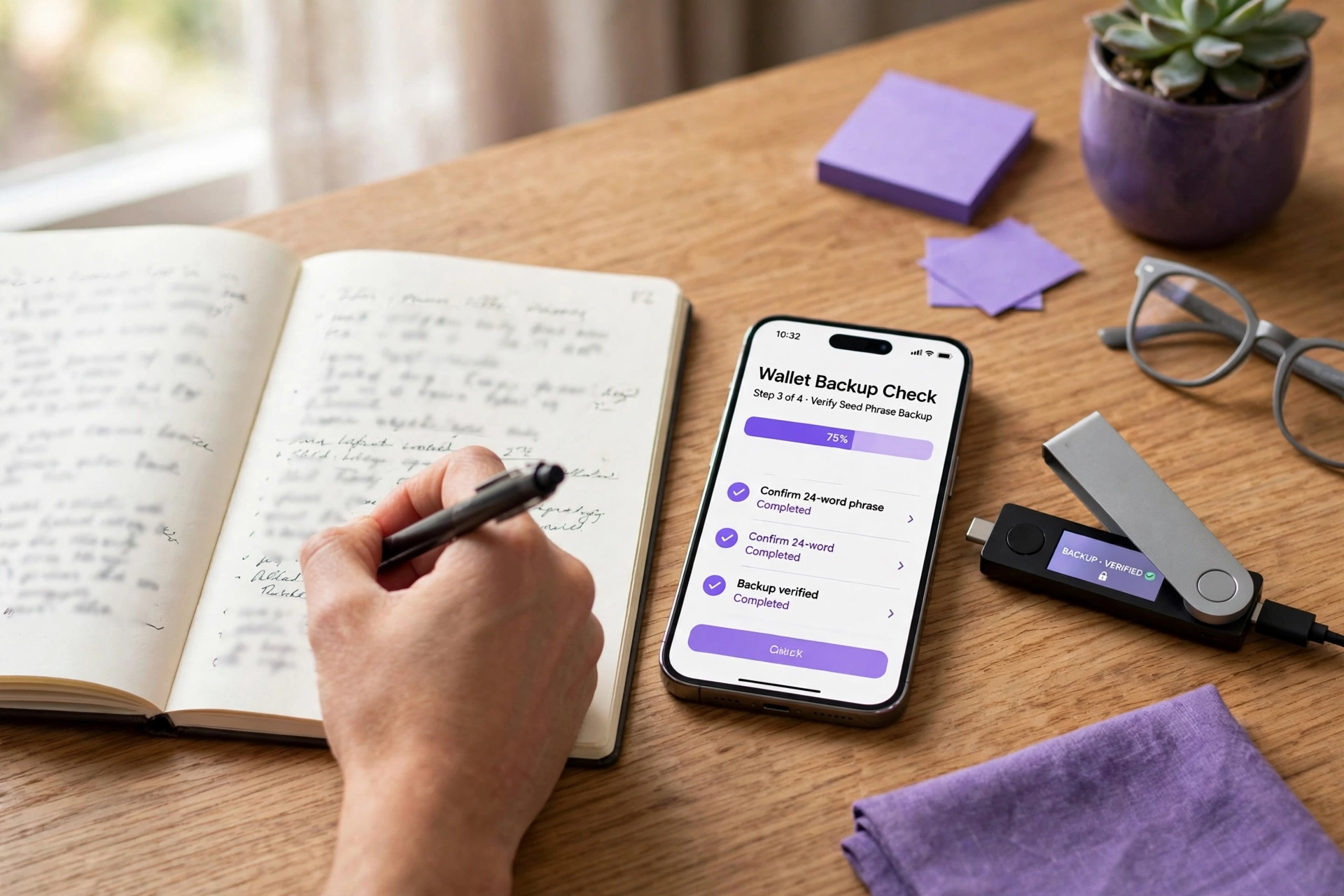
Verify a wallet backup by restoring the wallet from the written seed phrase, using either the hardware wallet’s built-in check or a second device, and confirming the same first receiving address appears before you deposit any meaningful amount of crypto. This test proves the paper backup is complete and correct. Skipping it is a gamble.
- Write down the first receiving address the wallet shows, or at least its first and last 6 characters.
- Run the device’s built-in backup check, such as the “Check backup” option in Trezor Suite or the Recovery Check app from Ledger.
- For a software wallet, restore the seed phrase on a second phone or computer using the same app.
- Compare the restored receiving address with the original, character by character.
- Delete the wallet from the second device after the test.
- Send a small test amount and confirm it appears in the wallet and on a blockchain explorer.
Never type a hardware wallet’s seed phrase into a phone or computer for testing. That defeats the device. Entering those words on any internet-connected machine turns a cold wallet into a hot one, because the keys have now touched an online device.
A single wrong or missing word fails this test, and so does a swapped word order that looks fine at a glance. Timing matters here. Fixing a bad backup costs nothing before funding and can cost everything after.
How to Move Crypto to Your Wallet Safely
To move crypto to a wallet, copy the receiving address from the wallet, confirm it on the hardware screen when possible, pick the matching network on the exchange, send a small test transaction, wait for it to arrive and then send the remaining balance. Mistakes are final. Crypto sent to a wrong address or network can’t be reversed by the sender. Check the cost of that test transaction first with our gas fee calculator.
- Open the wallet and tap “Receive” for the coin you plan to deposit.
- Copy the address and confirm its first and last characters on the hardware wallet screen.
- On the exchange, choose “Send” or “Withdraw,” paste the address and select the network the wallet supports, such as Bitcoin or Ethereum.
- Send a small test transaction and review the transaction fees shown.
- Wait for the test to confirm in the wallet, then send the rest.
Network selection matters most for tokens such as USDC. Those exist on several blockchains. Sending a token over a network the wallet doesn’t support can leave the funds unreachable, even though they still sit on a blockchain.
Address poisoning is a scam where an attacker sends a tiny transaction from an address that matches the first and last characters of one you use. The goal is to trick you into copying the fake address from your transaction history. Your defense is simple. Always copy addresses from the wallet’s “Receive” screen, never from past transactions.
What Is the Best Crypto Wallet?
The best crypto wallet for most US beginners is a hardware wallet from Ledger or Trezor for long-term savings, paired with a software wallet such as MetaMask or Exodus for small everyday amounts, because hardware keeps private keys offline while software offers speed. No single wallet fits every coin and every use. Pairing covers both needs.
Anyone asking what’s the best crypto wallet should match the wallet to the coins held and to how often the crypto moves. Usage drives the choice. A Bitcoin-only saver needs different features than an Ethereum user who trades tokens daily.
The table below lines up popular wallets by type and best use, along with the platforms each one supports.
| Wallet | Type | Best For | Platforms |
|---|---|---|---|
| Ledger | Hardware (cold) | Multi-coin long-term storage | Ledger Live desktop and mobile |
| Trezor | Hardware (cold) | Open-source cold storage | Trezor Suite desktop and web |
| MetaMask | Software (hot) | Ethereum apps and tokens | Browser extension, iOS, Android |
| Exodus | Software (hot) | Beginner multi-coin portfolio | Windows, macOS, Linux, iOS, Android |
| BlueWallet | Software (hot) | Bitcoin on mobile | iOS, Android |
| Coinbase | Custodial | Buying and selling with USD | Web, iOS, Android |
A hardware wallet is the best wallet for beginners holding crypto for the long term. The two brands differ, though. Ledger offers Bluetooth models and wide coin support, while Trezor publishes open-source firmware that anyone is free to inspect and review.
How Do You Look up a BTC Wallet Online?
To look up a BTC wallet, paste the Bitcoin address into a public blockchain explorer such as mempool.space or blockstream.info, which shows the current balance, every incoming and outgoing transaction and each confirmation status without an account or login. Every Bitcoin transaction is public, so anyone can check any address. That’s by design.
A BTC wallet lookup is a fast way to check a wallet balance online or confirm that a deposit has actually landed at the right address. Sellers rely on it too. A merchant can verify a payment before shipping goods.
This table compares common blockchain explorers by network and address format.
| Blockchain | Explorer | Address Starts With |
|---|---|---|
| Bitcoin | mempool.space | 1, 3 or bc1 |
| Bitcoin | blockstream.info | 1, 3 or bc1 |
| Ethereum | etherscan.io | 0x |
| Solana | solscan.io | No fixed prefix |
- Copy the address from the wallet’s “Receive” screen.
- Open the explorer and paste the address into the search bar.
- Read the balance and the list of transactions.
- Click a transaction ID to see its confirmations and fee.
Bitcoin wallets generate a new address for each deposit, so a single address lookup shows only part of a wallet’s total balance. The app shows the full total.
How to Store Your Seed Phrase Safely
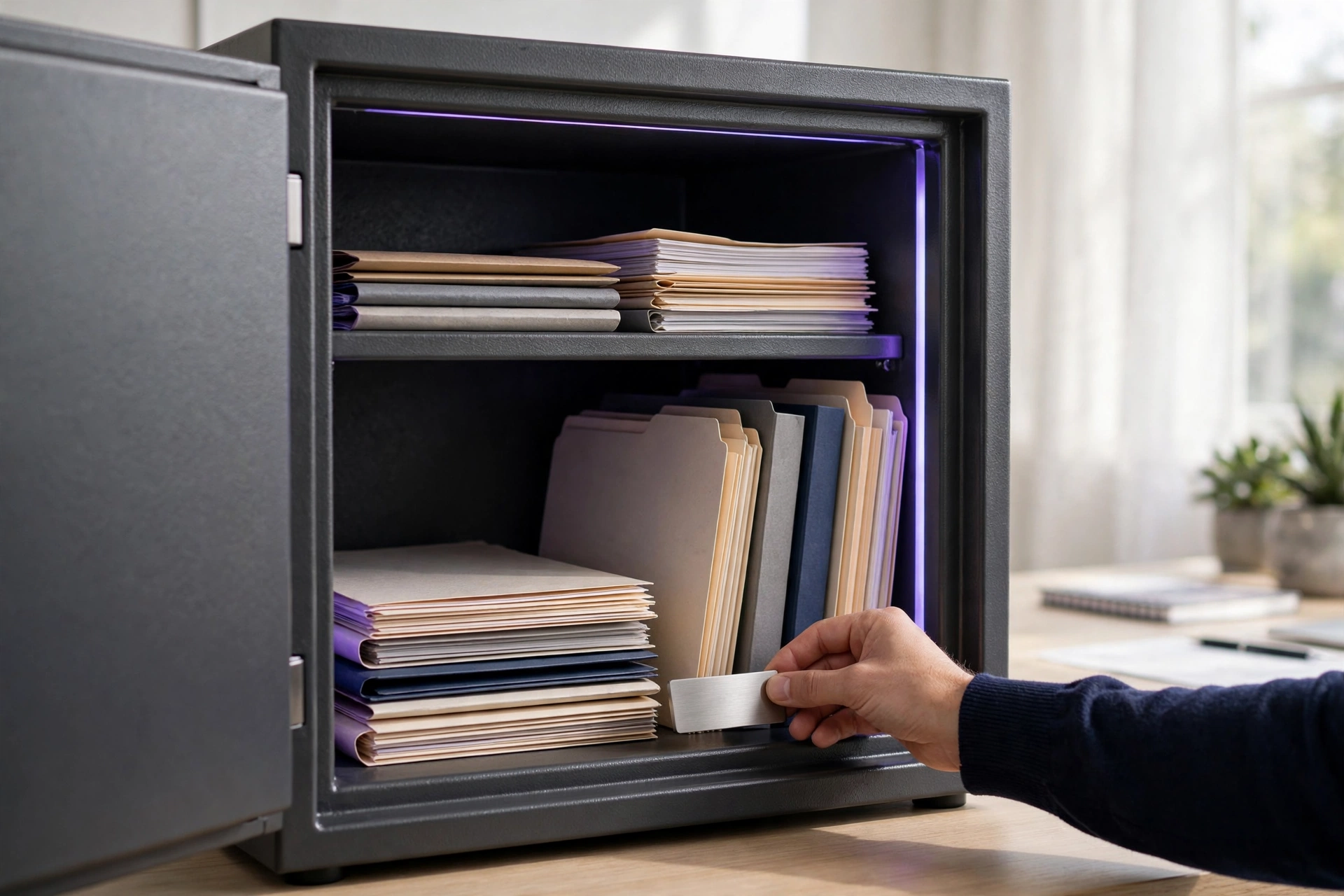
Store a seed phrase safely by writing it on paper or stamping it into a steel backup plate, keeping it in a fireproof safe or another secure location, and never photographing it, typing it into a computer or saving it to cloud storage. Anyone who finds the seed phrase can take every coin in the wallet. There’s no undo.
Steel backup plates resist fire and water better than paper does. Size isn’t a problem. A credit-card-size plate, 3.37 x 2.13 inches (85.6 x 54 mm), slips easily inside a home safe alongside documents and other valuables.
Look for the rating. A safe with a UL Class 350 fire rating keeps its interior below 350°F (177°C) for its rated test time, which protects paper backups.
Never enter a seed phrase on any website, even one that claims to verify or upgrade a wallet. It’s always a scam. Real wallet companies never ask for a recovery phrase, and the Federal Trade Commission (FTC) warns consumers about crypto scams that impersonate trusted companies.
Passphrase and Multisig for Advanced Protection
A passphrase, often called the 25th word, adds a custom word or sentence on top of the seed phrase and creates a separate hidden wallet. It cuts both ways. A thief holding only the seed words can’t reach passphrase-protected funds, but forgetting the passphrase locks out the owner permanently.
Multi-signature (multisig) wallets require two or more keys to approve each transaction, such as 2 of 3 keys stored in different places. One stolen key isn’t enough. Sparrow Wallet and Casa support multisig Bitcoin setups for larger holdings.
What Happens If You Lose Your Seed Phrase?
If you lose your seed phrase but can still open the wallet, create a new wallet immediately, back up its new seed phrase and transfer every coin to it; if you lose both the seed phrase and the device, crypto in a non-custodial wallet is permanently unrecoverable. Act fast. No company can reset a self-custody wallet, and neither can a bank or any government agency.
A lost seed phrase with a working device is a warning, not a loss. The clock is running. Move the funds while the PIN or password still works, because a broken phone or a reset device ends access.
Custodial accounts follow different rules. An exchange such as Coinbase restores account access through identity verification, which it can do only because the exchange holds the keys in the first place.
Avoid “recovery services” that promise to retrieve lost crypto for an upfront fee. Walk away. The FTC warns that refund and recovery scams target people who’ve already lost money, which makes recent victims an easy mark for a second theft.
Do You Pay Taxes on Crypto in Your Wallet?
No, holding crypto in a wallet does not trigger US federal tax, because the IRS taxes crypto when you sell it, swap it, spend it or receive it as income, and moving crypto between wallets you own is not a taxable event. Reporting still applies, though. Form 1040 also asks every filer whether they received or disposed of digital assets during the year.
This table compares common wallet actions and whether each one creates a taxable event.
| Wallet Action | Taxable Event | Tax Type |
|---|---|---|
| Buy crypto with USD and hold | No | N/A |
| Move crypto between your own wallets | No | N/A |
| Sell crypto for USD | Yes | Capital gain or loss |
| Swap one coin for another | Yes | Capital gain or loss |
| Spend crypto on goods | Yes | Capital gain or loss |
| Receive crypto as pay or staking rewards | Yes | Ordinary income |
Form 1099-DA and Wallet-By-Wallet Cost Basis
Form 1099-DA is the IRS form that US custodial brokers, including crypto exchanges, use to report digital asset sales. Rollout comes in two phases. Brokers report gross proceeds for sales on or after January 1, 2025, and cost basis reporting begins for many sales in 2026.
Self-custody wallets such as MetaMask don’t issue Form 1099-DA, and neither do hardware wallets made by Ledger or Trezor, since no broker sits in the middle. Records fall to you. Keep your own log of each transaction’s date and amount, plus the cost basis.
Starting January 1, 2025, IRS rules require crypto cost basis to be tracked wallet by wallet, and Revenue Procedure 2024-28 provides a safe harbor for assigning existing basis to each wallet. Software helps here. Tools such as CoinTracker or Koinly import exchange and wallet history to track taxes across wallets.
How to Create a Crypto Wallet App
To create a crypto wallet app, choose a custodial or non-custodial design, generate keys with an audited open-source library, implement BIP39 seed phrases and secure on-device storage, connect to blockchain nodes through application programming interfaces (APIs), pass an independent security audit and meet App Store and Google Play rules. Non-custodial apps carry the lightest US regulatory burden. Custody changes everything.
Developers researching how to create a crypto wallet app face a project that is mostly security engineering rather than interface design. Design is the easy part.
- Define the architecture: non-custodial keys on the user’s device, or custodial keys on your servers.
- Choose audited libraries such as bitcoinjs-lib, ethers.js or Trust Wallet Core instead of writing cryptography from scratch.
- Generate BIP39 seed phrases and derive keys with the BIP32 and BIP44 standards.
- Store keys in the iOS Secure Enclave and Keychain or the Android Keystore.
- Connect to your own blockchain nodes or a node provider API to read balances and broadcast transactions.
- Hire an independent security firm to audit the code before launch.
- Submit the app under the Apple App Store and Google Play cryptocurrency policies.
Plan for one Apple rule early. Apple’s App Review Guidelines allow apps that store virtual currency only when the developer is enrolled as an organization, not as an individual.
Do You Need a License to Launch a Wallet App?
No, not for a purely non-custodial app. Under 2019 guidance from the Financial Crimes Enforcement Network (FinCEN), wallet software that never holds user funds isn’t a money transmitter.
A custodial app that holds and transfers customer crypto is a money transmitter. That triggers registration with FinCEN as a money services business (MSB), and the operator still has to obtain state money transmitter licenses on top of it. New York adds one more. Serving New York residents requires a BitLicense from the New York State Department of Financial Services. Consult a fintech attorney before launch.
Conclusion
Creating a crypto wallet safely comes down to choosing the right wallet type, guarding the seed phrase offline, proving the backup with a test recovery and sending a small test transaction first, a routine that protects US holders no matter which coins they buy. None of the four is optional.
Wallet setup is getting simpler. Ethereum smart-contract accounts built on the ERC-4337 standard and passkey logins point toward wallets that recover access without a written seed phrase.
Tax records are shifting too. Expanded Form 1099-DA cost basis reporting in 2026 will make exchange records more complete, while self-custody owners will still need their own transaction logs. Readers who build the habit of verified backups and wallet-by-wallet records now will be ready for both changes.
Here’s the next step. Pick one wallet type, set it up in 7 steps, run a test recovery and send a small test amount before trusting it with savings.
Frequently Asked Questions
Sources

James
James leads crypto content at Crypto By Chance, covering exchanges, wallets, trading platforms, and blockchain technology. He researches trading fees, security features, market mechanics, and crypto regulations to explain a fast-moving market clearly. His guides and comparisons help readers evaluate their options, manage risk, and make informed decisions about digital assets.
Related Posts