How to Find Crypto Wallet Address on Any App or Device
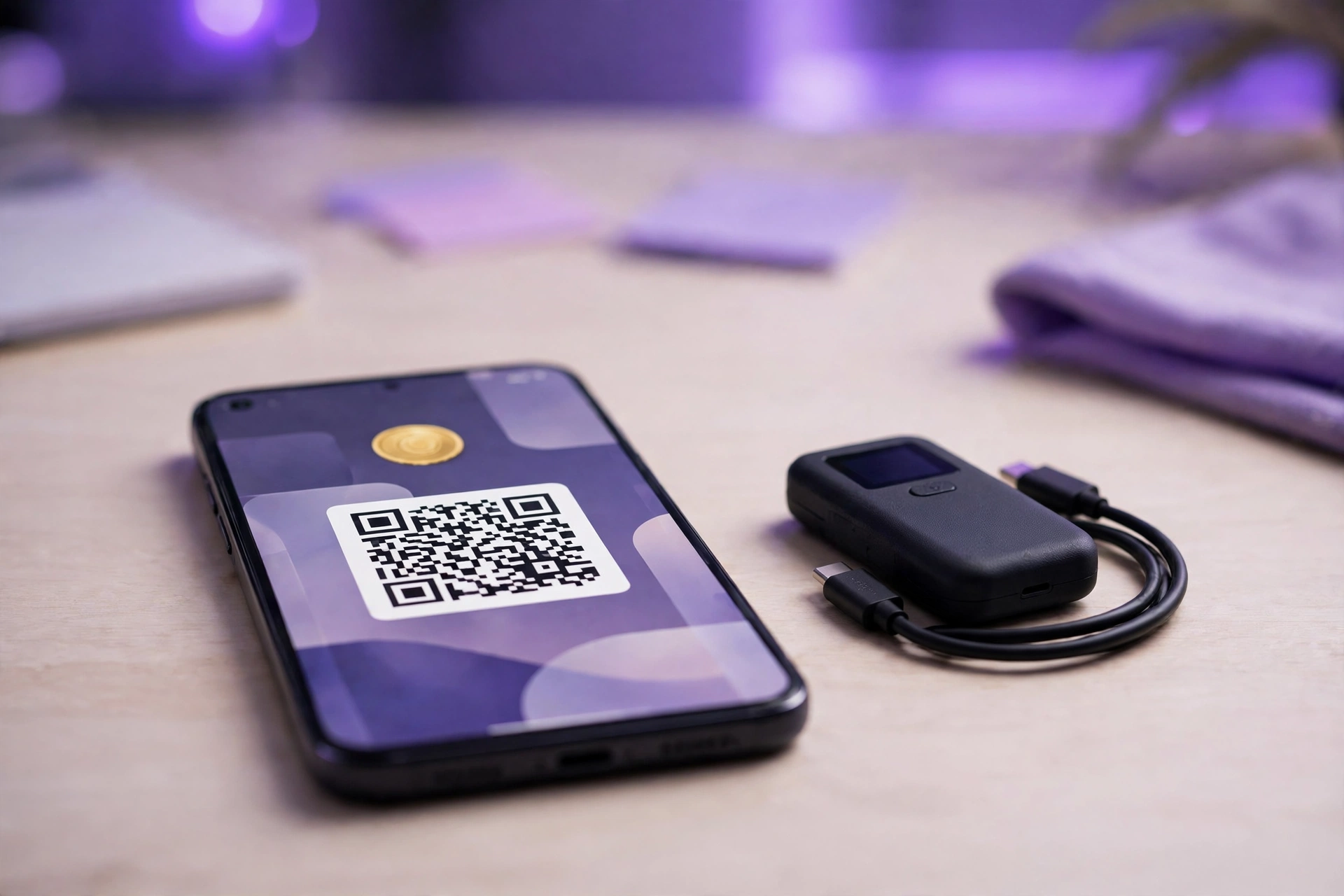
To find your crypto wallet address, open your wallet or exchange app, tap Receive or Deposit, choose the coin and its network, then copy the address or scan the Quick Response (QR) code. Every major app follows this pattern. The address on that screen is safe to share with anyone who’s sending you funds.
Key Takeaways
- A crypto wallet address is the public string other people use to send you coins. Sharing it never gives anyone access to your funds.
- Coinbase, Crypto.com, Cash App, Robinhood and MetaMask all place the wallet address behind a Receive, Deposit or Transfer button.
- Your selected network has to match the network the sender uses. A mismatch can cause a permanent loss.
- A blockchain explorer such as Etherscan or mempool.space works as a free crypto wallet checker for any public address.
- A seed phrase or private key restores a lost self-custody wallet. No legitimate service will ever ask you for either one.
- Copy addresses from the Receive screen, never from transaction history. That habit blocks address poisoning scams.
What Is a Crypto Wallet Address?
A crypto wallet address is a string of letters and numbers that tells a specific blockchain where to deliver coins or tokens, and it works only on the network that created it. A Bitcoin address receives bitcoin. Ether, plus any token built on Ethereum, goes to an Ethereum address.
Ask “what is my wallet address” and you’ll get two answers, depending on who holds your keys. Start with custodial wallets. A Coinbase or Crypto.com App account hands you a deposit address, but the exchange controls it. With a self-custody wallet such as MetaMask or a Ledger device, every address comes from keys that only you hold, so no company sits between you and the coins.
A wallet address works like an email address. Anyone can send to it, yet only someone with the password can open what arrives, no matter how many people know the address itself. In crypto, that password is the private key.
This table compares the three wallet types that produce a wallet address.
| Wallet Type | Who Holds Keys | Examples | Recovery Method |
|---|---|---|---|
| Custodial Wallet | The exchange or app | Coinbase, Crypto.com App, Cash App, Robinhood | Account login and support |
| Self-Custody Wallet | You | MetaMask, Exodus, Crypto.com Onchain | Seed phrase |
| Hardware Wallet | You, on a physical device | Ledger, Trezor | Seed phrase |
One wallet can hold many addresses. A Bitcoin wallet creates new receiving addresses on request, and an exchange account shows a separate deposit address for each coin and network.
How to Find Crypto Wallet Address in 5 Steps
To find a crypto wallet address in any app, open the wallet, tap Receive or Deposit, choose the coin, choose the network, and copy the address or show its QR code. These five steps work on exchanges, mobile wallets, browser extensions and hardware wallet apps used in the United States (US). Only the button names shift.
- Open the app or extension and sign in, or unlock your hardware wallet with its PIN.
- Tap the Receive, Deposit or Transfer button on the home screen or on the asset page.
- Select the asset you want to receive, such as Bitcoin, Ether or USD Coin (USDC).
- Choose the network that matches the sender’s withdrawal network.
- Tap Copy address, or display the QR code for the sender to scan.
If you’re working out how to find my crypto wallet address on an app you’ve never used, look for a Receive or Deposit button first, and expect some apps to call it Transfer. Certain coins also show a memo or tag field. Copy that field along with the address.
Which Network Should You Select?
Select the exact network the sender will use for the withdrawal, such as Ethereum, Base, Solana or the Bitcoin network. Ethereum shares the same 0x address style with Base and Arbitrum, so the address alone doesn’t reveal the network. That’s the trap.
Network mismatches are a common way to lose funds. Say you send USDC on Base to an exchange deposit address that only supports Ethereum. That exchange may never credit the deposit, and recovery isn’t guaranteed no matter how quickly you spot the mistake afterward. Check the network on both screens.
How to Find Your Crypto Wallet Address on Popular US Apps
Each popular US crypto app places the wallet address behind a Receive, Deposit or Transfer menu, and the exact path depends on whether the app is an exchange, a payment app, a browser wallet or a hardware wallet companion. Button labels change between app updates. Scan for those three words before you tap anything else.
This table compares the path to the address screen in each app.
| Platform | Wallet Type | Path to Address |
|---|---|---|
| Coinbase | Custodial | Receive, asset, network |
| Crypto.com App | Custodial | Transfer, Deposit, Crypto, coin, network |
| Crypto.com Onchain | Self-custody | Receive, token |
| Cash App | Custodial | Money tab, Bitcoin, Deposit bitcoin |
| Robinhood | Custodial | Coin page, Receive |
| MetaMask | Self-custody | Copy icon under account name |
| Ledger Live | Hardware | Receive, asset, account, verify on device |
| Trezor Suite | Hardware | Account, Receive, Show full address |
| Exodus | Self-custody | Asset, Receive |
Coinbase App and Website
Coinbase shows a receive address for each asset and network, and the mobile app reaches that address in five steps. Start in the app.
- Open the Coinbase app and sign in.
- Tap Receive, which appears on the home screen or in the transfer menu.
- Select the asset, such as Bitcoin.
- Pick the network if Coinbase offers more than one.
- Tap Copy address, or show the QR code.
The website works too. On coinbase.com, click Send & Receive, open the Receive tab, choose the asset and network, then copy the address.
Crypto.com App
To find your crypto wallet address on the Crypto.com App, use the Deposit flow, which starts from the Transfer button. Here’s the path.
- Open the Crypto.com App and tap Transfer.
- Tap Deposit, then tap Crypto.
- Select the coin you want to receive.
- Pick the network that matches the sender.
- Copy the address, plus the memo or tag if the app shows one.
Crypto.com Onchain
Crypto.com Onchain, formerly the Crypto.com DeFi Wallet, is a separate self-custody app with its own addresses, so it needs its own lookup path. It has four steps.
- Open Crypto.com Onchain and unlock it.
- Tap Receive.
- Choose the token and network.
- Copy the address or share the QR code.
Onchain addresses differ from Crypto.com App deposit addresses. Before you share one, confirm which of the two apps the sender is actually paying into, because each app tracks only its own addresses.
Cash App
Bitcoin is the only cryptocurrency Cash App supports, so its address screen lives under a dedicated Bitcoin section in the Money tab. It takes four steps.
- Open Cash App and tap the Money tab.
- Select Bitcoin.
- Tap Deposit bitcoin.
- Copy the bitcoin address or show the QR code.
Bitcoin only. Never send Ether or Bitcoin Cash to a Cash App bitcoin address, and the same rule covers every other coin that isn’t bitcoin.
Robinhood
Robinhood Crypto accounts support deposits for eligible coins, and you reach the receive address from each coin’s detail page inside the app. Not every coin qualifies.
- Open Robinhood and go to the coin’s detail page.
- Tap Receive. In some app versions, Receive sits under Transfer.
- Complete identity verification if Robinhood prompts you.
- Select the network if Robinhood offers more than one.
- Copy the address.
Robinhood Wallet is another story. It’s a separate self-custody app, and its addresses differ from the deposit addresses you’d find inside a Robinhood Crypto account.
MetaMask
MetaMask displays the active account’s address at the top of the wallet, where you can copy it without opening any extra menus. No digging needed.
- Open MetaMask and unlock it with your password.
- Find the account name at the top of the screen. A shortened 0x address appears next to it.
- Click the copy icon next to the address, or tap Receive to show a QR code.
A single MetaMask 0x address works across Ethereum and compatible networks such as Base, Arbitrum and Polygon, so you don’t need a new address for each chain. Network still matters, though. The sender has to choose a network that your MetaMask account is set up to view.
Ledger and Trezor Hardware Wallets
Hardware wallets show the address on the device’s own screen. That’s the point. Malware on a computer can alter copied text, but it can’t change what the device itself displays, which is why the on-screen check matters.
To get an address in Ledger Live:
- Connect and unlock the Ledger device.
- Open Ledger Live and select Receive.
- Choose the asset and the account.
- Compare the address in Ledger Live with the address on the Ledger screen.
- Approve on the device, then copy the address.
For Trezor Suite, follow these steps:
- Connect and unlock the Trezor.
- Open the account in Trezor Suite.
- Click Receive, then Show full address.
- Confirm that the address on the Trezor screen matches the address in Suite.
Exodus
Exodus is a self-custody wallet that groups addresses by asset, so each coin you hold has its own Receive button. The steps are short.
- Open Exodus and select the asset.
- Click Receive.
- Copy the address or show the QR code.
What Does a Crypto Wallet Address Look Like?
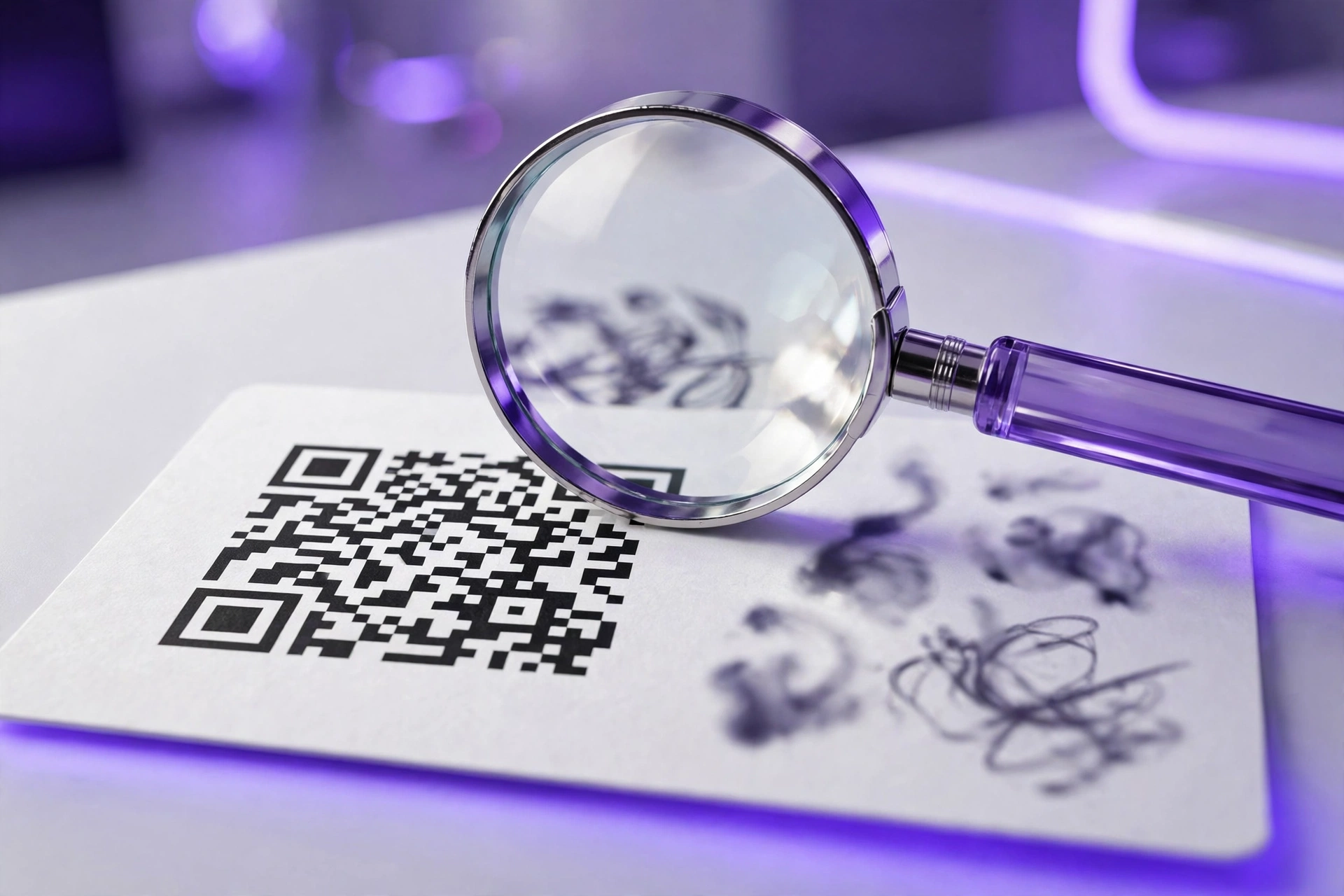
A crypto wallet address is a string of roughly 25 to 62 letters and numbers, and its first characters reveal the blockchain: Bitcoin addresses start with 1, 3, bc1q or bc1p, while Ethereum addresses start with 0x. Look before you paste. Checking those first characters prevents most wrong-network mistakes.
This table compares common address formats by blockchain.
| Blockchain | Format Name | Starts With | Length (Characters) |
|---|---|---|---|
| Bitcoin | Legacy (P2PKH) | 1 | 26-34 |
| Bitcoin | Nested SegWit (P2SH) | 3 | 34 |
| Bitcoin | Native SegWit | bc1q | 42 or 62 |
| Bitcoin | Taproot | bc1p | 62 |
| Ethereum and EVM Networks | Hex account | 0x | 42 |
| Solana | Base58 public key | No fixed prefix | 32-44 |
| XRP Ledger | Classic address | r | 25-35 |
| Tron | Base58 address | T | 34 |
Taproot addresses (bc1p) are the newest Bitcoin format. Plenty of people don’t recognize them yet. Still, most modern Bitcoin wallets send to bc1p addresses without trouble, so a bc1p prefix by itself isn’t a reason to worry.
How to Tell Bitcoin and Ethereum Addresses Apart
Ethereum addresses always begin with 0x, followed by 40 hexadecimal characters (0-9 and a-f). Letter case carries meaning. Ethereum Improvement Proposal 55 (EIP-55) adds a checksum through a mix of uppercase and lowercase letters, and wallets use it to catch typos.
Bitcoin addresses never begin with 0x. Native SegWit and Taproot addresses start with bc1 and display in lowercase. Legacy formats leave out look-alike characters such as 0, O, I and lowercase l, which cuts down on misreads when someone copies an address by hand.
Ethereum Name Service (ENS) names such as name.eth point to a 0x address, which makes them easier to type than a 42-character hexadecimal string. They’re labels. An ENS name isn’t itself a Bitcoin or Ethereum address.
Is a Wallet Address the Same as a Public Key?
No, a wallet address is not the same as a public key, because most address formats are a shortened, hashed version of the public key, often with a checksum added. The details differ by chain. Bitcoin legacy and SegWit addresses hash the public key, and Ethereum addresses use the last 20 bytes of the public key’s Keccak-256 hash.
Bitcoin Taproot is the exception. A bc1p address encodes a tweaked public key directly instead of a hash of it, so that tweaked key sits right inside the address string.
This table compares the four pieces of wallet data.
| Item | Purpose | Safe to Share |
|---|---|---|
| Wallet Address | Receives funds | Yes |
| Public Key | Verifies signatures | Yes, though rarely needed |
| Private Key | Signs and spends | Never |
| Seed Phrase | Restores all keys | Never |
A public key lets the network verify that a transaction is genuine. Spending is different. The private key creates the signature that moves funds, and the seed phrase, a list of 12 or 24 words, regenerates every private key in a wallet.
Is It Safe to Share Your Crypto Wallet Address?
Yes, sharing a crypto wallet address is safe for receiving funds, because the address only lets people send crypto and view public blockchain activity, never move or spend coins. Privacy is the trade-off. Anyone with the address can see its balance and transaction history on a blockchain explorer.
To limit how much of your history strangers can see, use a fresh Bitcoin address for each payment. Most Bitcoin wallets generate new addresses automatically. Ethereum works differently, so keep a separate address for public tips or donations, apart from the one that holds your savings.
What You Should Never Share
Keep these private. Never share them with anyone, including people who claim to work for an exchange or for wallet support, however official they sound:
- Seed phrase (recovery phrase)
- Private key
- Wallet password or device PIN
- Two-factor authentication codes
- A live screen share while a wallet is open
No legitimate exchange, wallet company or government agency will ask for a seed phrase, and that rule holds no matter how urgent the request sounds. Anyone who asks is attempting theft.
How to Verify an Address Before You Send Crypto
To verify an address before sending crypto, compare the full address character by character, confirm the network and memo, check the address on a hardware wallet screen when possible, and send a small test transaction first. These checks stop the wrong-address and wrong-network mistakes that a blockchain can’t reverse. Skip none of them.
- Copy the address from the recipient’s Receive screen, not from a chat thread or your transaction history.
- Paste the address and compare every character, including the middle section.
- Confirm that the network matches on the sending screen and the receiving screen.
- Add the memo or destination tag if the receiving platform requires one.
- Send a small test transaction and wait for it to arrive.
- Follow with the full amount once the recipient confirms the test arrived.
Address Poisoning Scams
Address poisoning is a scam in which an attacker sends a tiny or zero-value transaction from an address whose first and last characters match an address you use. The goal is to get you to copy the fake address from your own transaction history. That’s the whole trick.
Checking only the first and last 4 characters won’t catch address poisoning. Look at the middle. Copy every address fresh from the recipient’s Receive screen, or from an address book entry you saved earlier and verified yourself.
Memo and Destination Tags
Some exchanges use one shared deposit address for many customers and tell them apart with an extra field. Leave it out and trouble starts. The deposit can stall without it, and you may need to open a support ticket before the exchange credits your account.
This table compares coins that commonly require an extra field for exchange deposits.
| Coin | Extra Field Name | When Required |
|---|---|---|
| XRP | Destination Tag | Most exchange deposits |
| Stellar (XLM) | Memo | Most exchange deposits |
| Cosmos (ATOM) | Memo | Most exchange deposits |
| Bitcoin | N/A | Never |
| Ether | N/A | Never |

How Do You Check a Wallet Address Balance?
To check a wallet address balance, paste the address into a free blockchain explorer for that network, such as mempool.space for Bitcoin or Etherscan for Ethereum, and the explorer shows the balance, token holdings and full transaction history. A crypto wallet lookup needs no login and no wallet connection. Anyone can run one.
To run a Bitcoin lookup address search or any other explorer check:
- Copy the address you want to check.
- Open the explorer that matches the address’s blockchain.
- Paste the address into the search bar and press Enter.
- Read the balance, total received, total sent and transaction list.
This table compares free block explorers by network.
| Blockchain | Block Explorer | Website |
|---|---|---|
| Bitcoin | Mempool | mempool.space |
| Bitcoin | Blockstream Explorer | blockstream.info |
| Ethereum | Etherscan | etherscan.io |
| Base | BaseScan | basescan.org |
| Solana | Solscan | solscan.io |
| XRP Ledger | XRPScan | xrpscan.com |
| Tron | Tronscan | tronscan.org |
| Multiple Chains | Blockchair | blockchair.com |
A single Bitcoin address shows only the funds sent to that one address. It’s only part of the picture. Your wallet’s full balance can be spread across dozens of addresses, which is why a one-address lookup often comes up short.
Portfolio tools such as CoinTracker read an extended public key (xpub) to see every address at once. That key is privacy-sensitive. An xpub reveals every address in the wallet but can’t spend anything, so share it only with tools you trust.
Treat any crypto wallet checker as a scam if it asks you to connect a wallet or approve a transaction, and especially if it wants a seed phrase. Real explorers need only the public address.
Can You Identify Who Owns a Crypto Wallet Address?
No, a public blockchain explorer cannot tell you who owns a crypto wallet address, because addresses carry no names, only balances and transaction history. Outside links change that. Ownership becomes traceable when an address links to an exchange account with identity checks, a public Ethereum Name Service (ENS) name, or a labeled address in analytics tools.
US exchanges collect Know Your Customer (KYC) identity data under federal anti-money-laundering rules, and law enforcement can request that data through legal process. Explorers add clues too. Etherscan displays public name tags for known entities such as exchange hot wallets.
Lost money to a scammer? Report the address and transaction details to the FBI Internet Crime Complaint Center (IC3) at ic3.gov and to the Federal Trade Commission (FTC) at reportfraud.ftc.gov.
How Do You Find a Lost Crypto Wallet?
To find a lost crypto wallet, first identify whether it was a custodial exchange account or a self-custody wallet, then recover the exchange account through its login and support process or restore the self-custody wallet by entering its seed phrase into compatible wallet software. Start with the paper trail.
- Search your email for sign-up or deposit confirmations from Coinbase, Crypto.com, Cash App, Robinhood or other exchanges.
- Check old phones and computers for wallet apps or for files such as wallet.dat from Bitcoin Core.
- Look for paper or metal backups of a 12-word or 24-word seed phrase.
- Restore the seed phrase in the original wallet brand or in compatible software from that brand’s official website.
- Switch address types (Legacy, SegWit or Taproot) if the restored Bitcoin wallet shows a zero balance.
- Confirm the recovered address on a block explorer before you move any funds.
Can You Recover a Wallet Without a Seed Phrase?
No, a self-custody wallet cannot be recovered without its seed phrase or private key, unless an encrypted backup file and its password still exist. Exchange accounts are different. Coinbase, Crypto.com and other custodial platforms restore access through identity verification, so you can get back in with no seed phrase at all.
Be wary of “recovery services” that promise to retrieve lost crypto for an upfront fee. Many are scams. Their targets are people who’ve already lost funds and who may pay almost anything for a chance at getting coins back.
Wallet Addresses and US Crypto Taxes
US crypto users should keep a record of every wallet address they own, because the Internal Revenue Service (IRS) treats digital assets as property and Form 1099-DA reports sales, not transfers between your own wallets. These address records show which transfers were moves between your own accounts rather than sales. Keep them current.
Starting with sales on or after January 1, 2025, brokers report gross proceeds from digital asset sales on Form 1099-DA. Cost basis follows a different date. Basis reporting applies to covered assets acquired on or after January 1, 2026.
Moving coins from Coinbase to your own Ledger isn’t a sale. Cost basis is the catch. The new broker usually can’t report cost basis for coins it didn’t sell to you. A saved list of your addresses, matched with explorer transaction history, fills that gap and keeps your own numbers straight at filing time. Ask a certified public accountant (CPA) about your specific filing situation.
Conclusion
Wallet apps keep moving toward readable names, clearer network labels and on-device address checks, but the core habit stays the same: open Receive, match the network, verify the full address and test small first. The habit is simple. Users who master those four checks avoid nearly every permanent transfer mistake.
Expect ENS names and Form 1099-DA reporting to become normal parts of US crypto use, with hardware-verified addresses close behind. Save a list of every address you own now, because accurate records speed up tax season and wallet recovery. Future lookups get easier too. The steps for how to find crypto wallet address screens will carry over to whichever wallet you adopt next.
Frequently Asked Questions

James
James leads crypto content at Crypto By Chance, covering exchanges, wallets, trading platforms, and blockchain technology. He researches trading fees, security features, market mechanics, and crypto regulations to explain a fast-moving market clearly. His guides and comparisons help readers evaluate their options, manage risk, and make informed decisions about digital assets.
Related Posts